Unvault
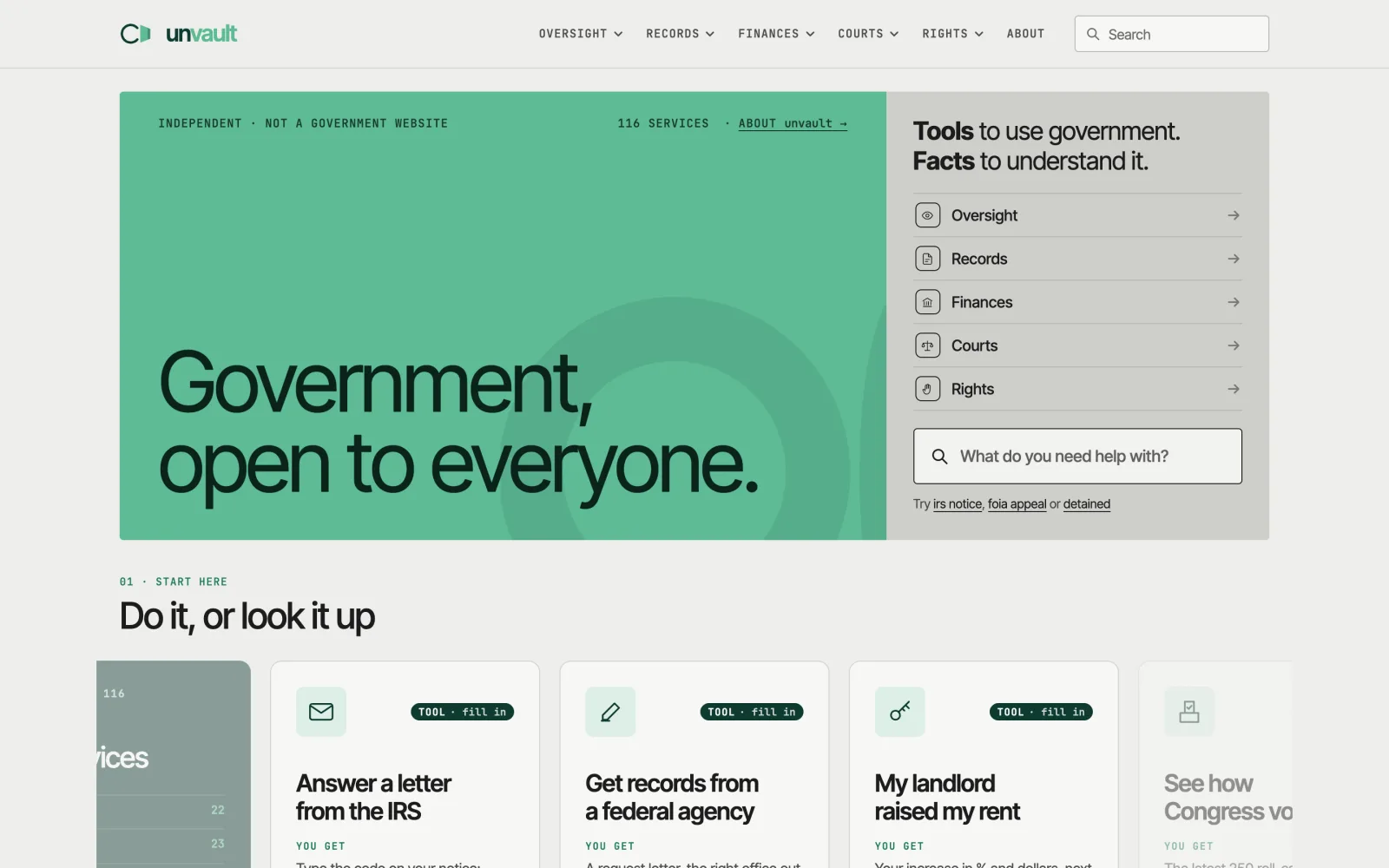
Government, open to everyone: the steps, the deadlines and the facts, in plain words.
Government shouldn’t be a locked door
Most people deal with a federal agency only when something has already gone wrong: a letter from the IRS, a denied claim, a family member detained, a deadline nobody explained. That is exactly when the rules are hardest to find. They aren’t secret, but they are spread across hundreds of sites, each written by the agency itself, in its own words.
I had already built separate tools for pieces of this: Check Congress for following Congress, Fair Claim for small claims court, a FOIA tracker, an immigration detention tracker and the Federal Money Atlas. Each one answered a single question well, but someone with a real problem doesn’t know which tool to look for. Unvault brings them together with dozens of new tools behind one front door.
The promise is simple. It is free for good, with no ads, no accounts and no cookies. What you type into a tool stays in your browser. And every rule, deadline and number links to its official source with the date it was last checked, because a site about government only helps if people can trust it.
One front door, five areas
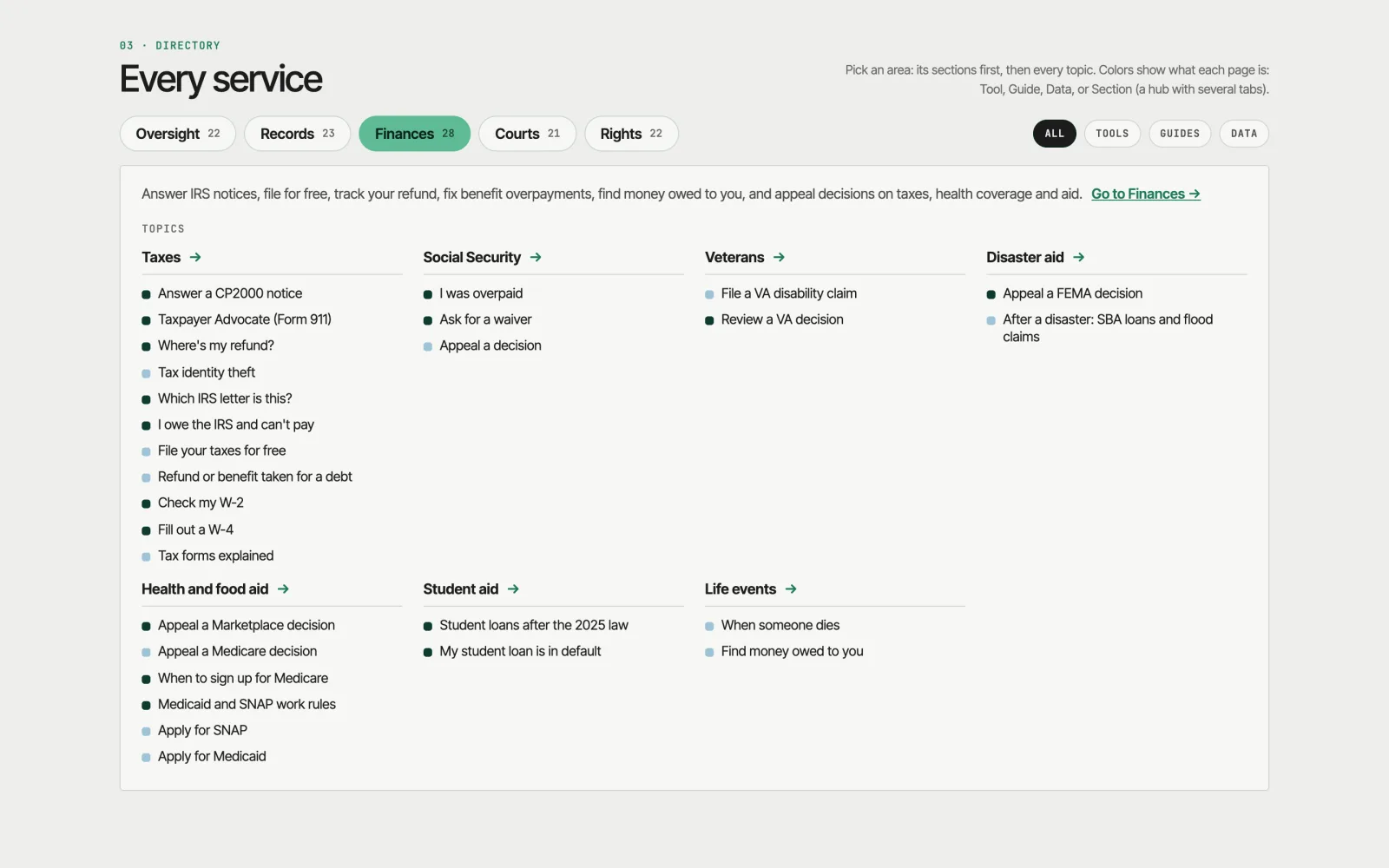
Everything on Unvault sits in one of five areas: Oversight, Records, Finances, Courts and Rights. Together they hold 116 services, and each is labeled as what it is: a Tool you fill in, a Guide you read, Data you can explore, or a Section with several tabs.
The home page opens with a dozen of the most common tasks, like answering a letter from the IRS, getting records from a federal agency or checking whether a rent increase is fair. Below that, a directory lists every service by area and topic, and you can filter it down to just the tools or just the data.
Not sure where to start?
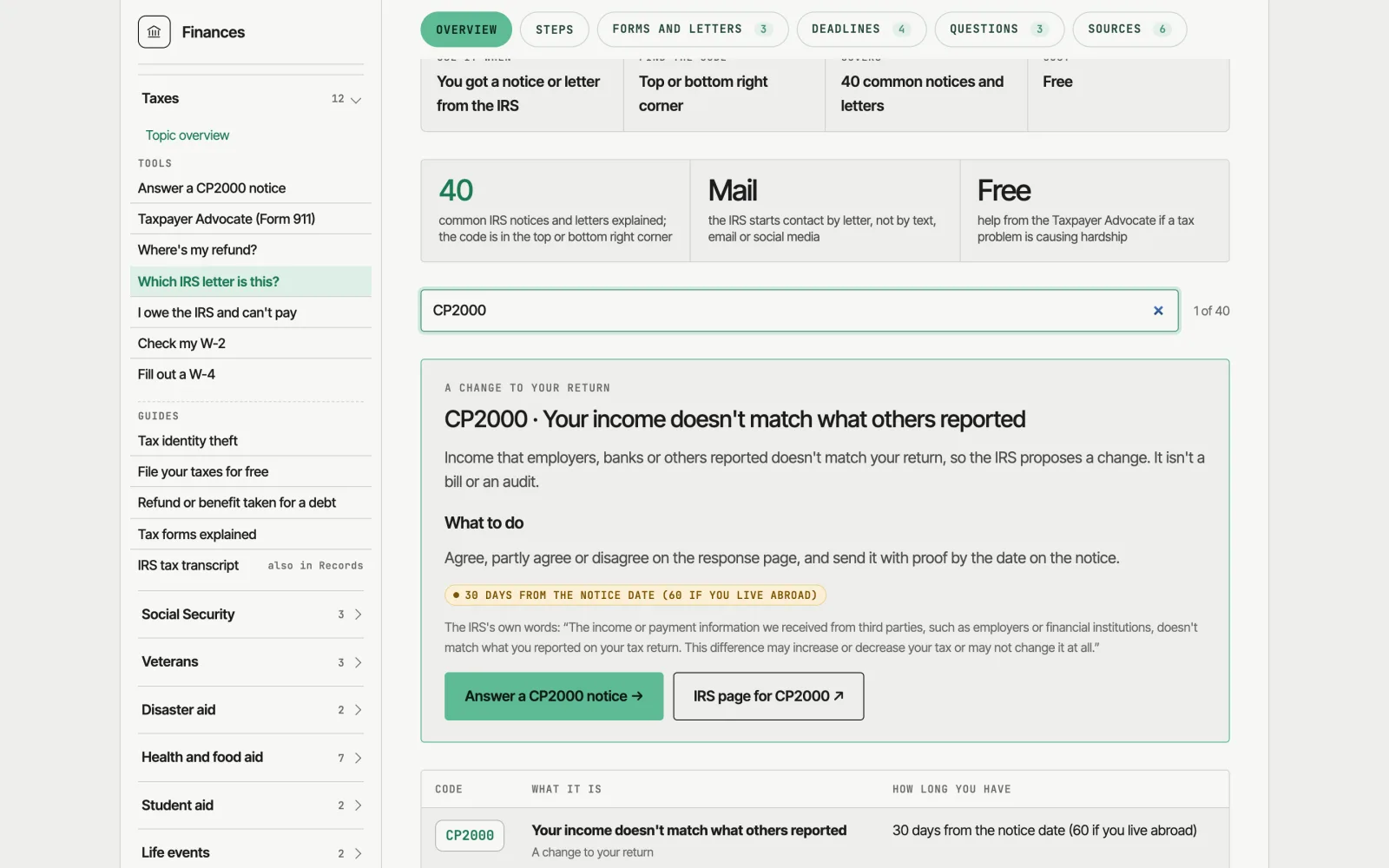
A lot of people don’t know what their problem is called. The Finder asks two plain questions, what’s going on and who it’s from, then points to the one place to begin. Say you got a letter from the IRS: it sends you to the tool for a CP2000 notice and tells you what you’ll get there before you open it.
Search works the same way. It understands everyday phrases like “irs notice” or “detained,” suggests matches as you type and puts the best one first.
Decode the letter in your hand
Official letters are written for the agency, not for you. Type the code from the corner of an IRS notice, such as CP14 or CP2000, and Unvault explains in one sentence what it means, what to do next and how long you have. It covers 40 common notices and letters, and quotes the IRS’s own wording underneath so you can check it.
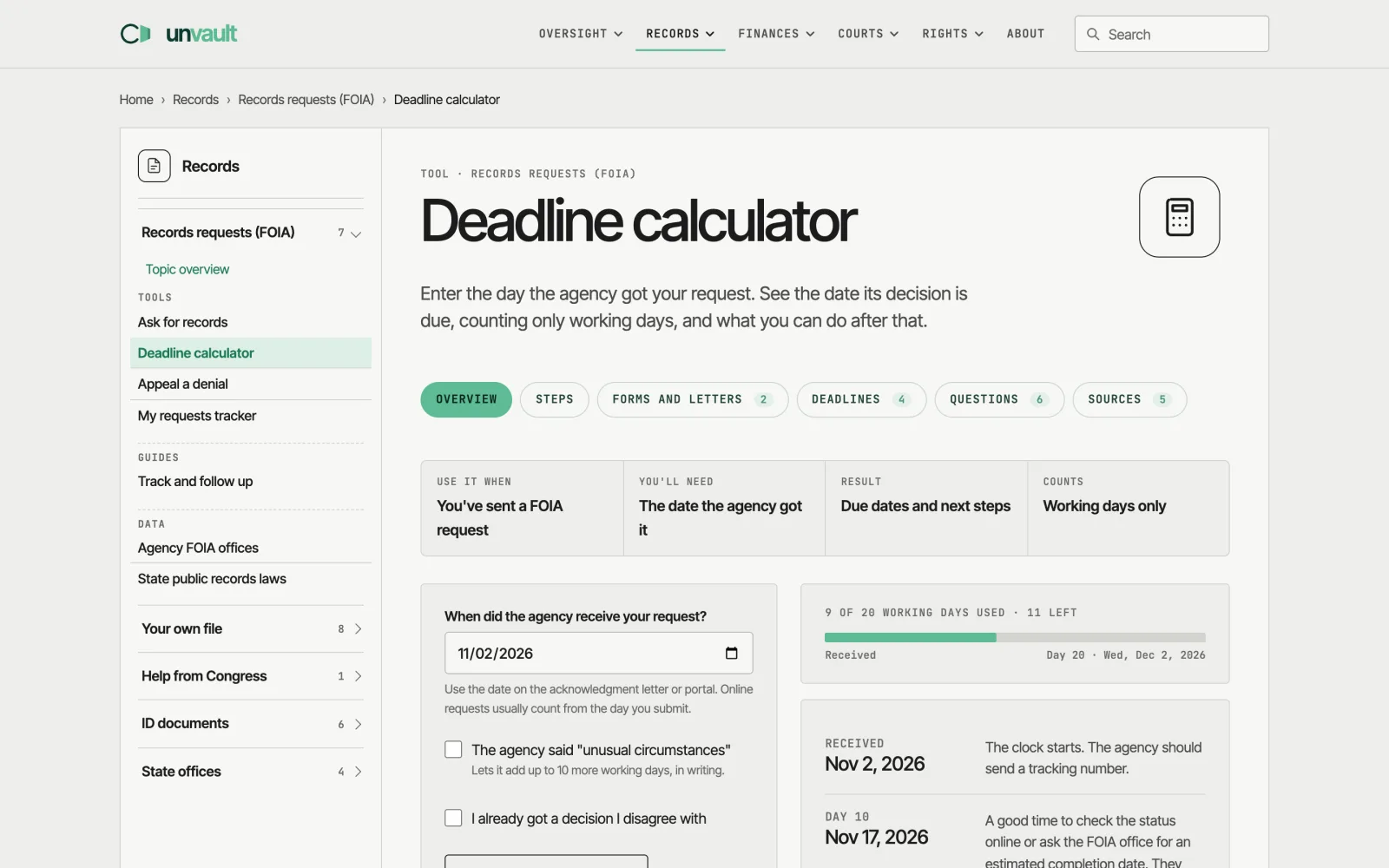
Every tool page follows the same layout: an overview, the steps, the forms and letters, the deadlines, common questions and the sources. Once you’ve used one, you know your way around all of them.
Letters that write themselves
Asking an agency for records under the Freedom of Information Act is free, but the request has to say the right things. The letter builder asks who you are, which agency and what you want, then writes the letter beside the form as you type. It cites the law, sets a fee limit and asks for electronic copies.
There are builders for records requests, FOIA appeals, asking your member of Congress for help with an agency and small-claims demand letters, each with state notes where the rules differ. Letters are made on your own device. You copy, download or print them and decide where they go, so Unvault never sees them.
Deadlines, counted for you
Government deadlines are rarely as simple as “30 days.” A federal agency has 20 working days to answer a records request, which means skipping weekends and federal holidays, plus ten more in unusual cases. The deadline calculator counts them for you, shows how many days are used and how many are left, and lays the due dates out on a timeline.
Other calculators work out an expected tax refund date, rent notice periods and one-year filing limits.
Small claims, in every state
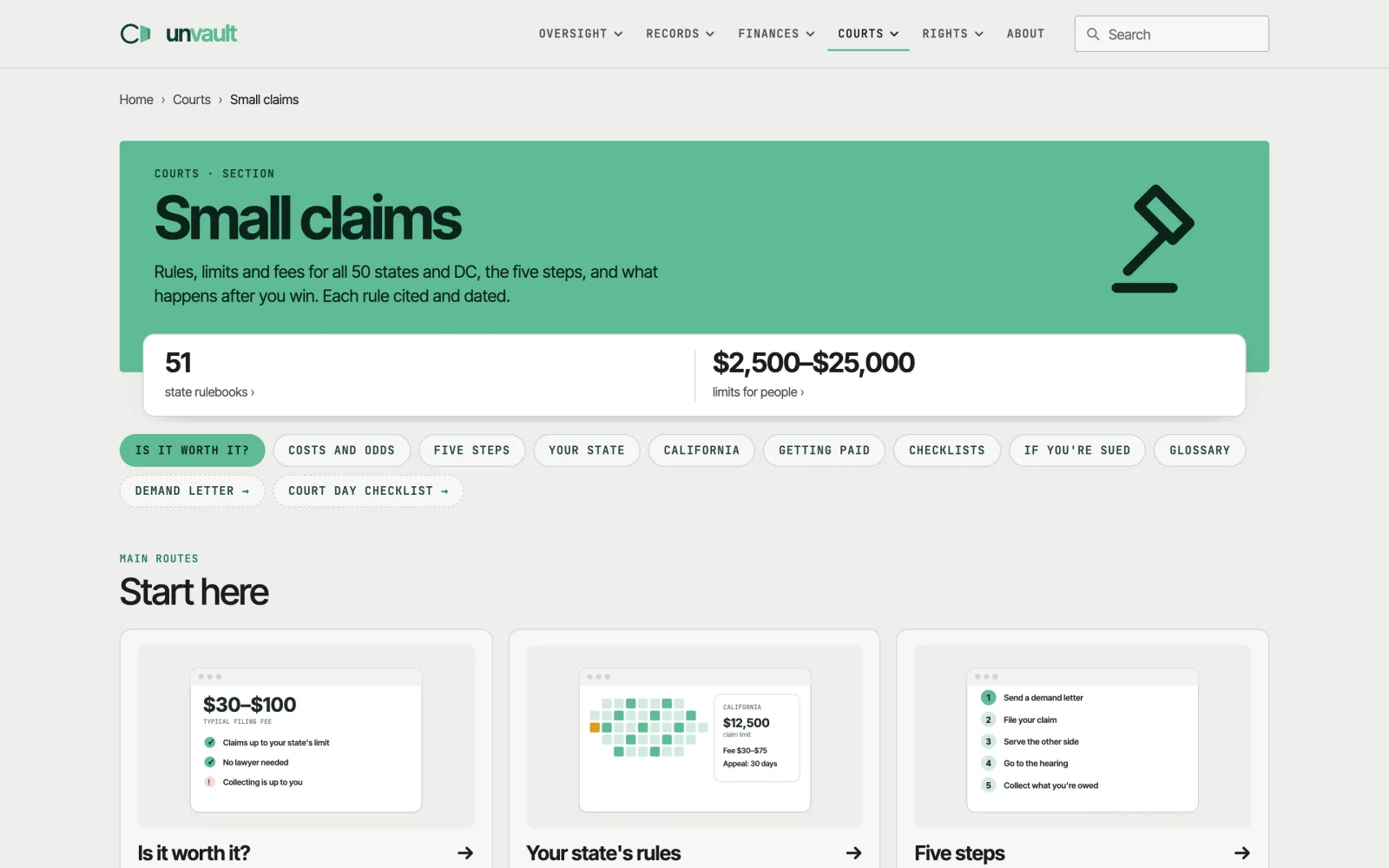
Fair Claim, my earlier small claims court guide, now lives inside Unvault. It covers all 50 states and DC: the limits for people, from $2,500 to $25,000, the filing fees, the five steps from demand letter to collecting what you’re owed, and what to do if you’re the one being sued.
Each state’s rules are cited and dated, and a checklist for court day can be printed or saved as a PDF.
Watch Congress and the President
The Oversight area shows what officials actually do. The Congress section, built from Check Congress, follows every bill, roll-call vote and member of the 119th Congress, along with their campaign money and the stock trades they report, more than 12,000 so far.
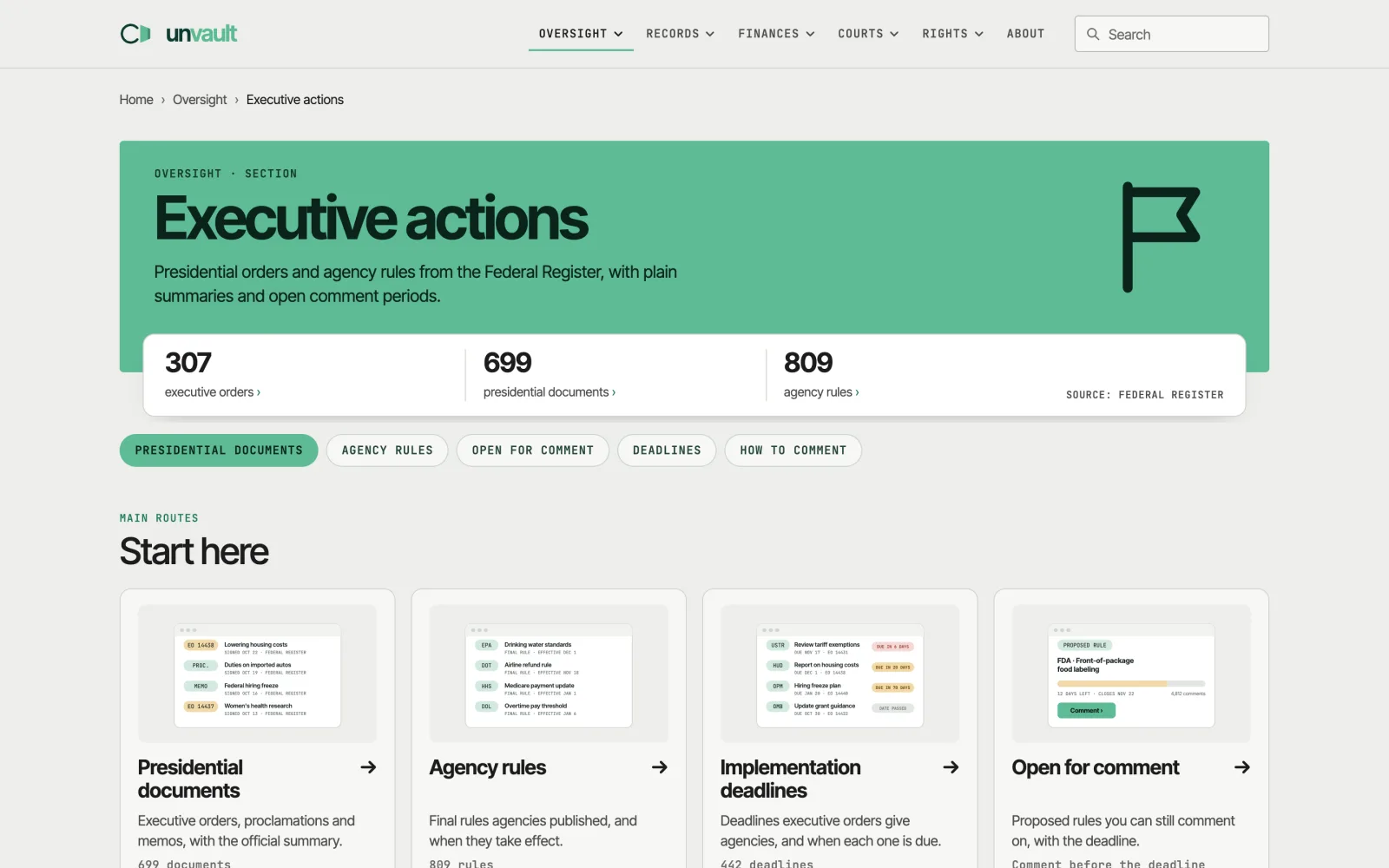
Executive actions covers the President and federal agencies through the Federal Register: executive orders, other presidential documents, agency rules and the proposed rules still open for public comment. Unvault also pulls out the deadlines that executive orders give agencies, 442 of them from 149 orders, so you can see what is due and when.
Follow the money home
The Federal Money Atlas moved in as the Federal money section. Its map shows every one of the 3,144 U.S. counties by how much federal money comes back for each dollar of federal tax, and you can split that into Social Security, grants or contracts.
Hover a county to see its figure, filter by population, or switch to a view that sizes counties by people instead of land. The same section covers spending by agency, contracts and grants, and the community projects members of Congress request.
How Unvault was built
Unvault is a static website with no framework and no server. Scripts gather public data from official sources ahead of time, and every page is written out as plain HTML, so the site stays fast and cheap to run, and most pages can be read even without JavaScript.
- 116
- services across five areas
- ~225
- pages, each at its own address
- 20+
- official data sources
- 0
- accounts, ads or cookies
From public data to a page
Official sources
Everything starts from public data: Congress.gov, the Federal Register, USAspending, the FEC, House disclosure reports, FOIA.gov, the Bureau of Prisons, HUD, the IRS and others.
Export scripts
Two dozen Python and Node scripts each pull one source, clean it and check every link. Broken official links are dropped, and the ones that block automated checks are kept on a list to review by hand.
Data files
Each script writes one small data file with its source and date attached. The earlier projects’ data, like the county figures from the Federal Money Atlas, carries over the same way.
Static pages
A build script renders every area, topic, tool and state page in a headless browser and saves it as a real HTML file at a clean address, along with a sitemap.
Edge hosting
The files are served from Cloudflare’s global network with strict security headers. There is no database and nothing to log in to.
Your browser
Calculators, letter builders and the map run in your browser. What you type never leaves your device, and nothing calls an AI model while you use the site.
From idea to launch
Research
I started by mapping the processes people get stuck on, from IRS notices to records requests and court deadlines, and studying the sites already trying to help.
Prototypes
Two full prototypes settled the look: a calm field-manual layout in warm grey with a mint green, and illustrations drawn for each section.
Real data
Each section was then rebuilt on real exports, replacing sample numbers one area at a time.
Fact check
A dedicated pass checked every rule and deadline against its source and fixed about 110 problems, then rechecked more than 150 hand-written links.
Reviews
Separate reviews looked at the design, the organization and the usability, then went area by area. Each round ended with a list of fixes, done before the next build.
Phone pass
A final round measured every page on phone screens and redesigned the navigation and long pages so they work with one thumb.
Five projects, one home
Check Congress, Fair Claim, a FOIA tracker, an immigration detention tracker and the Federal Money Atlas each became a section of Unvault. Their styles were scoped so they could share one site without clashing.
Written, not generated
Every page was written and checked ahead of time. Nothing on the site is an AI guessing at an answer, and deadlines in executive orders are found by fixed rules, not by a model.
Honest about its limits
Unvault gives information, not legal advice, and can’t act on anyone’s case. Spanish summaries cover only a few pages so far, and anyone can email a correction when something looks out of date.